A cleaner focus workspace
Optionally hide other visible apps after a successful split. They keep running, and Undo restores only the apps eaSplit hid.
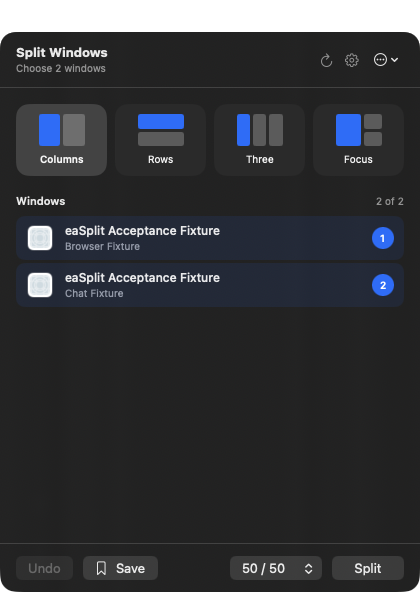
Choose the apps you want together, split them cleanly, and save the combination for next time.
0.1.0-beta.5
Optionally hide other visible apps after a successful split. They keep running, and Undo restores only the apps eaSplit hid.
Every arranged window is raised above unrelated apps by default, with your first choice ready for the keyboard.
Keep a configurable visual gap, or let your windows fill the complete usable screen with no outer or centre space.
A single active native Settings window opens cleanly without creating another picker, alongside more reliable launch-at-login status.
Browser + Teams selected with Columns layout.
No account. No analytics.
Nothing leaves your Mac.
Signed and notarized for
macOS 15 or later. Apple silicon and Intel.